Deep Freeze: Operation 1B
- Genre: Horror, Puzzle, FPP, Exploration
- Engine: Unity
- Development Time: 2/3 – 27/3 (25 days)
- Team size: 4
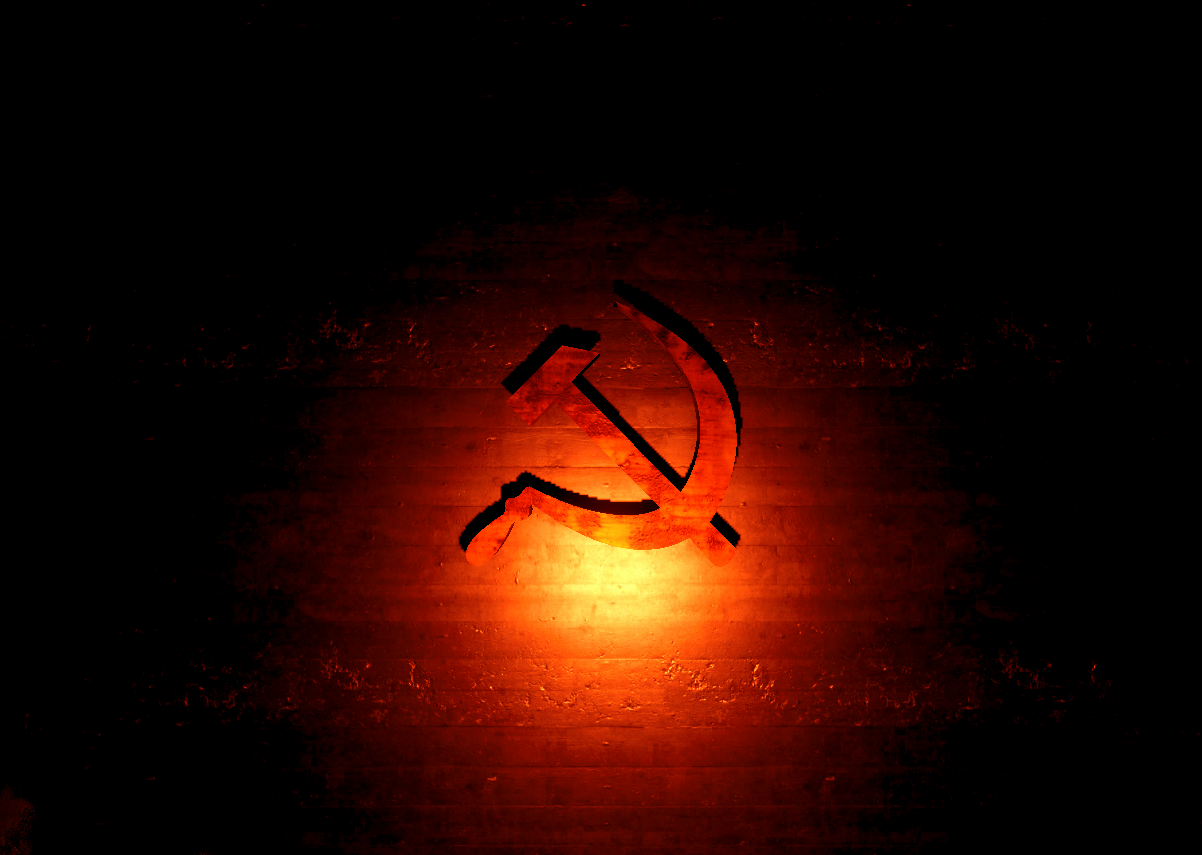
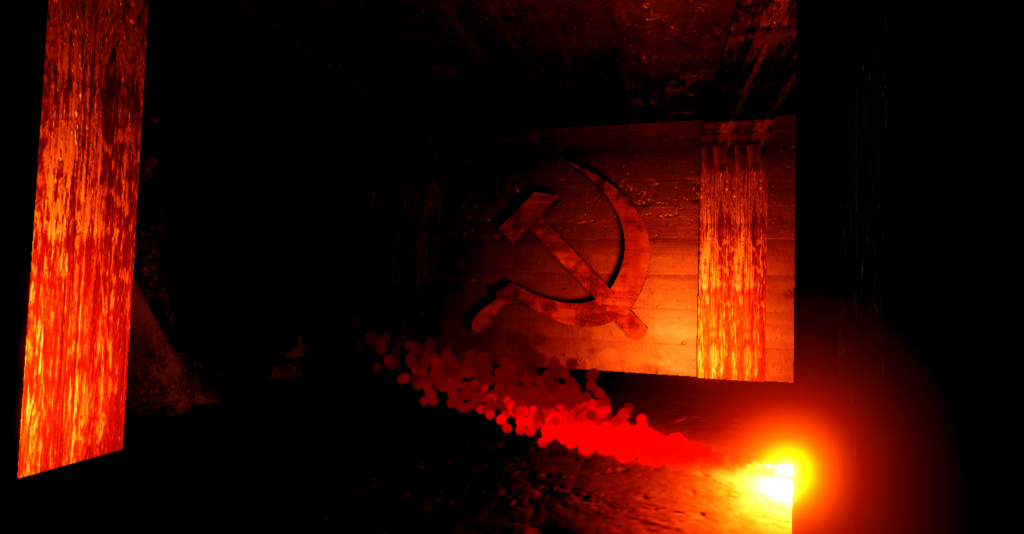
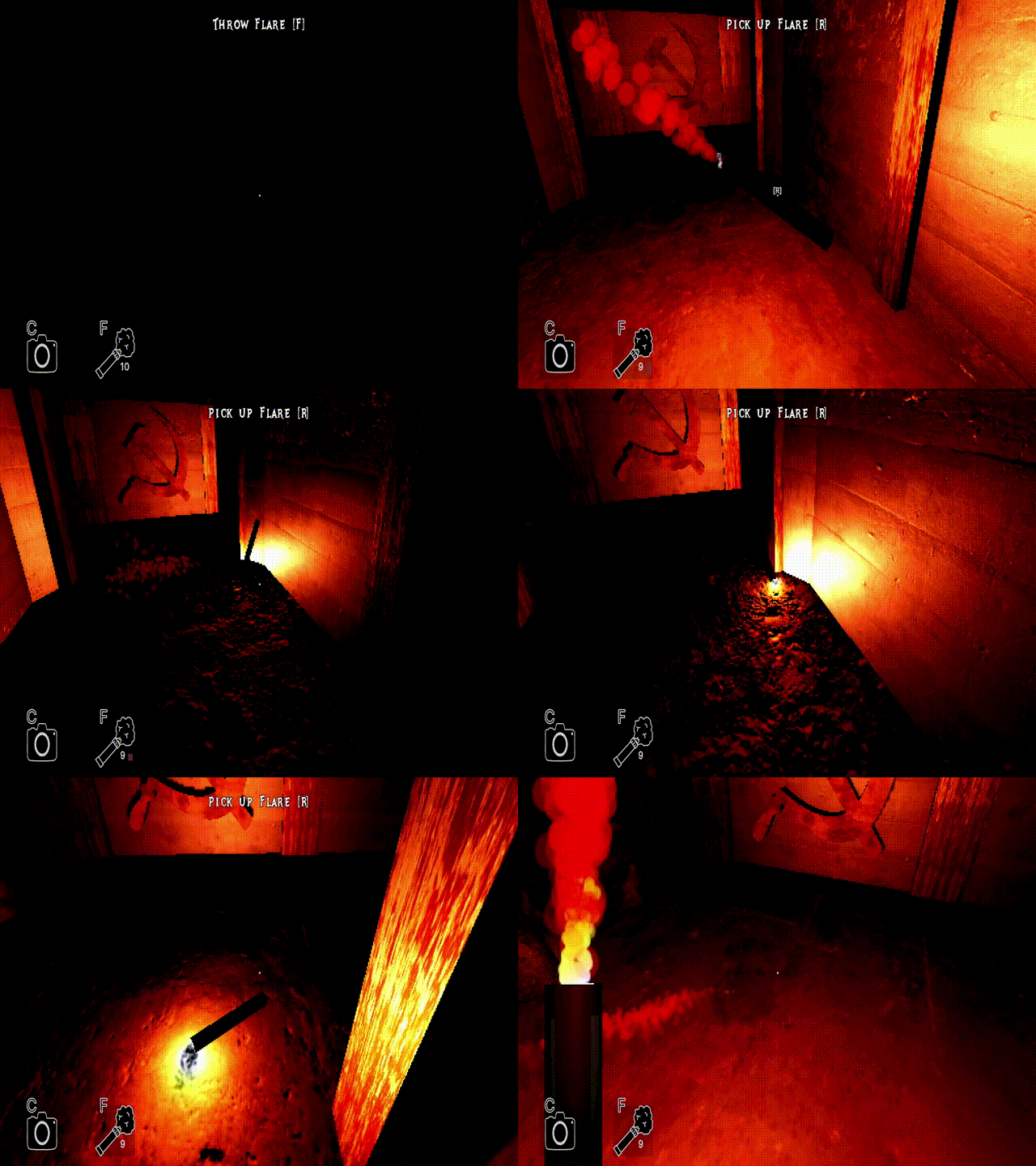
A horror game where you play as a scientist in the geophysical year 1957, trying to uncover the dark and twisted mysteries beneath the ice layer of Antarctica.
In this project I was both part programmer and part UI-designer. I focused on creating some of the mechanics inside the game, while also designing UI elements. This includes the…
- Quest system
- Camera mechanic
- UI for these systems (Implemented in UI-Toolkit)
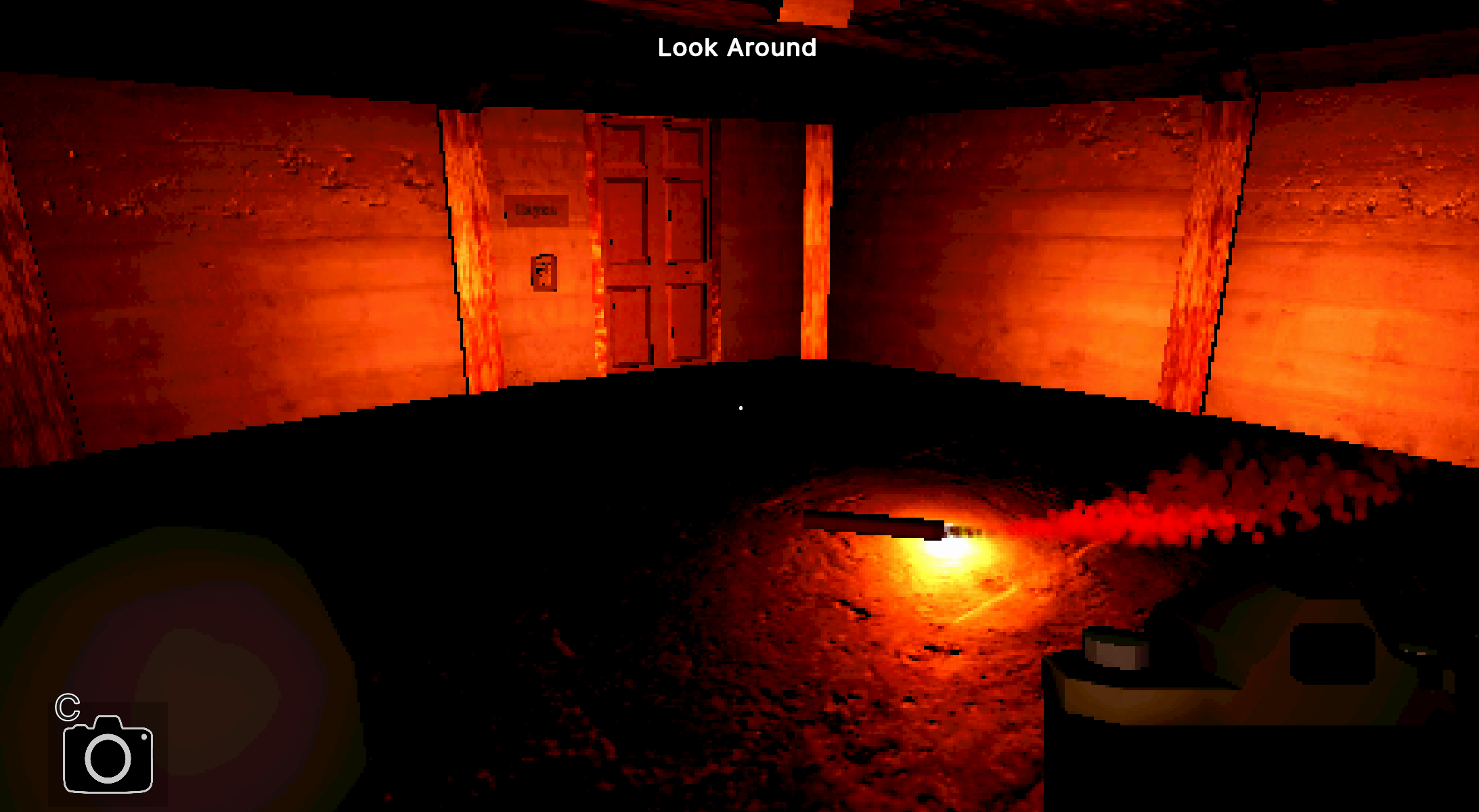
Other than that I was a part of all the internal discussions in relation to all things game design, as everyone should be on the same page throughout development. I was also there during the playtests of our game, and made the script used in the interviews.
– Camera mechanic
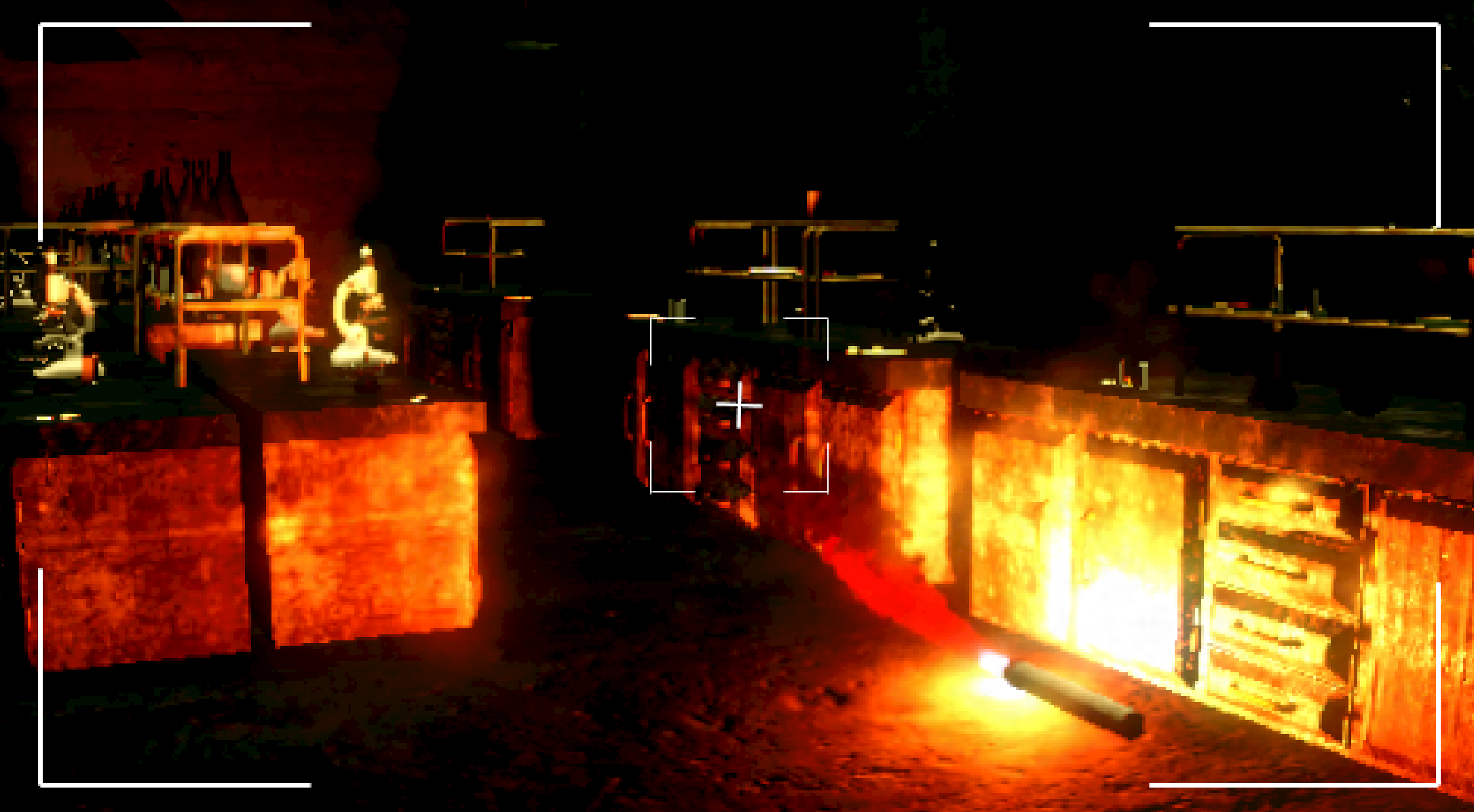
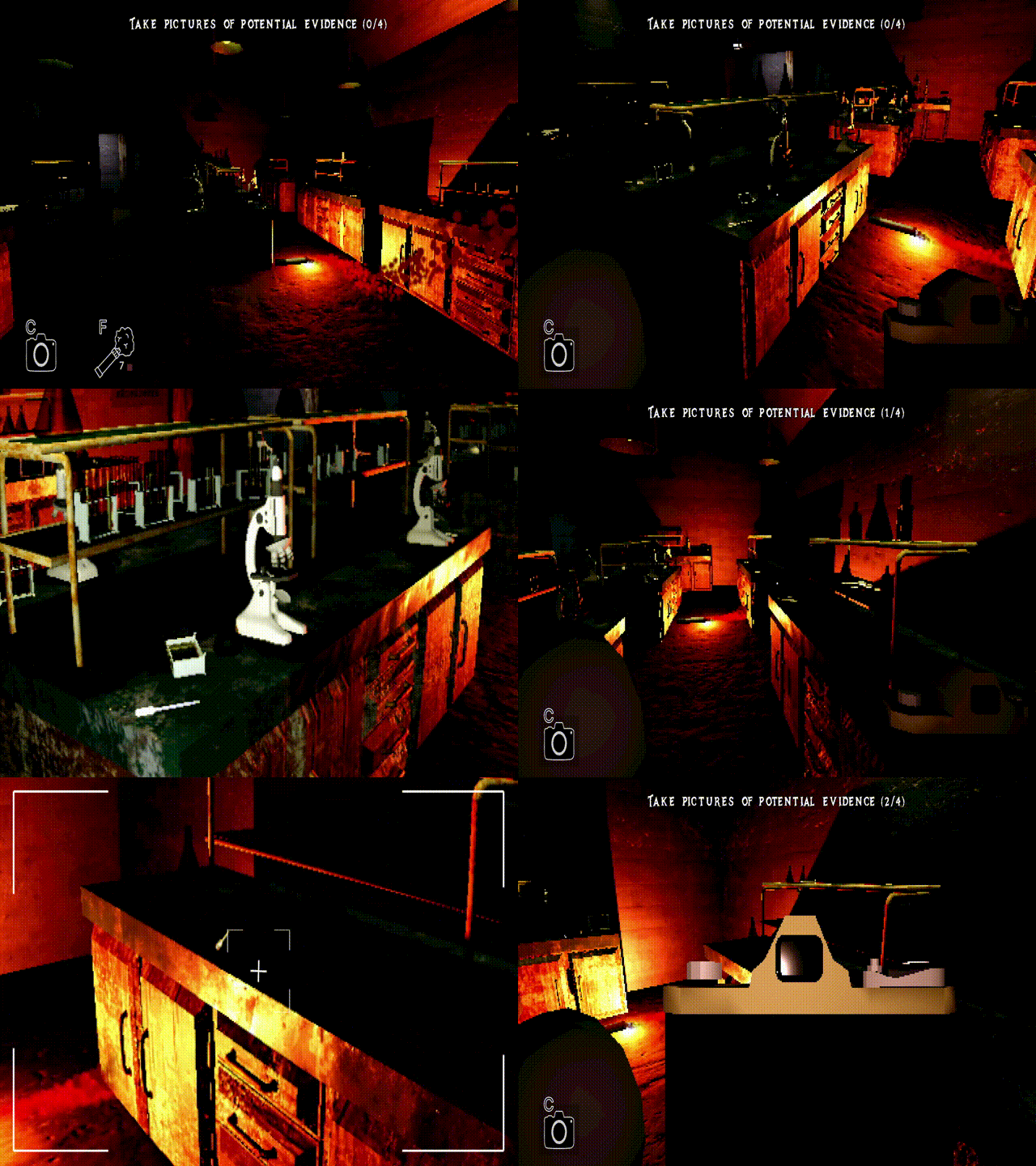
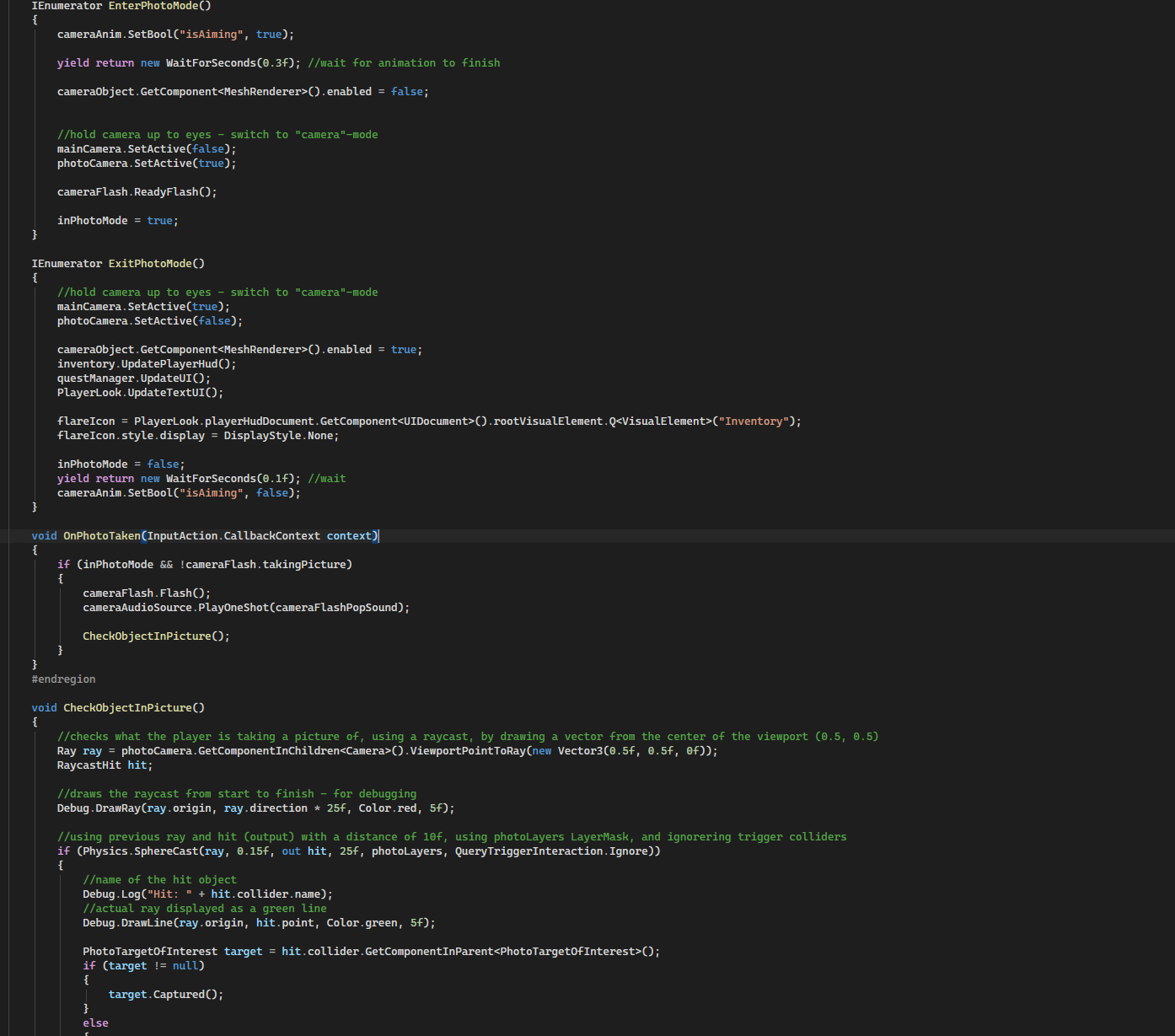
A mechanic that gives the player the ability to “take pictures” and capture a moment in time. Simply put, the player can take a picture by holding down RMB, which puts them in “photo”-mode, enabling them to take a picture with LMB. This temporarly freezes the world, lights up whatever is being captured, and makes a convincing camera-sound to give the player clear feedback. Even though this is mostly “smoke and mirrors”, it also serves as a vital mechanic for completing certain picture objectives, as it also sends out a spherical raycast, that can detect whats been captured in the frame. Uses a mixture of co-routines, raycasts, input actions and managers
– basic Quest system
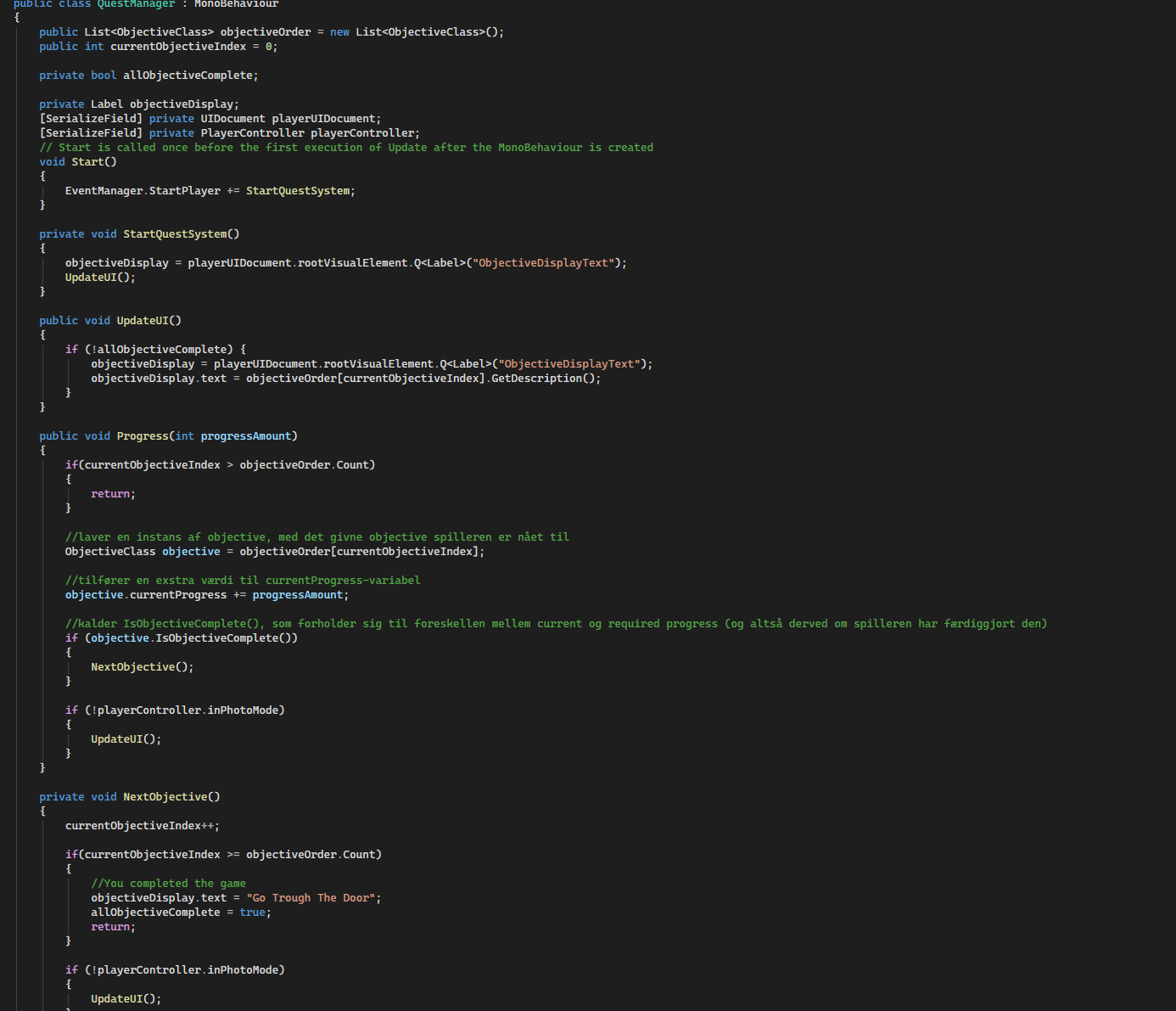
The quest system for this game is set up different than “Puddle & Mud”, but is still comprised of triggers (that complete and progress objectives) and objective-objects. The biggest difference is its much smaller structure. The system has a manager, which cycles through and keeps track of a list of objectives in chronological order. It then checks that list for unfinished objectives, and displays the newest one for the player to complete. When an objective is done it progresses to the next in line. Used a mix of lists, classes, trigger zones, Unity events and managers
Doing this project, I learned a lot of new things. In terms of programming this includes:
- Using “states” to separate different restrictions and interactions available to the player
- Working with different raycasts, such as spherical
- Utilizing co-routines when doing time-based animations and lighting/sound effects
In relation to improvements, I want to make my systems/mechanics more modular and flexible by not creating scripts or code for specific situations, but rather think of it as templates that could work in other similar games.